HVORFOR ITSLEARNING
Se, hvorfor skoler vælger et europæisk LMS, der er designet til uddannelse, frem for generiske platforme.
Se, hvorfor skoler vælger et europæisk LMS, der er designet til uddannelse, frem for generiske platforme.
itslearning styrker lærerne og hjælper alle elever med at nå deres fulde potentiale.

Oversættelse genereret af en AI-oversættelsestjeneste
Vi er glade for at kunne annoncere to nye funktioner i itslearning: billedbeskæring til profilbilleder og avatarer i itslearning. Dette gør platformen mere personlig for brugerne, samtidig med at administratorer får bedre værktøjer til at administrere brugerbilleder på tværs af systemet.
Profilbilleder og avatarer vises sammen med alle brugerbidrag, herunder meddelelser, kommentarer, indsendelser og kursuskort, hvilket gør det nemmere at genkende kolleger, studerende og samarbejdspartnere med et enkelt blik.
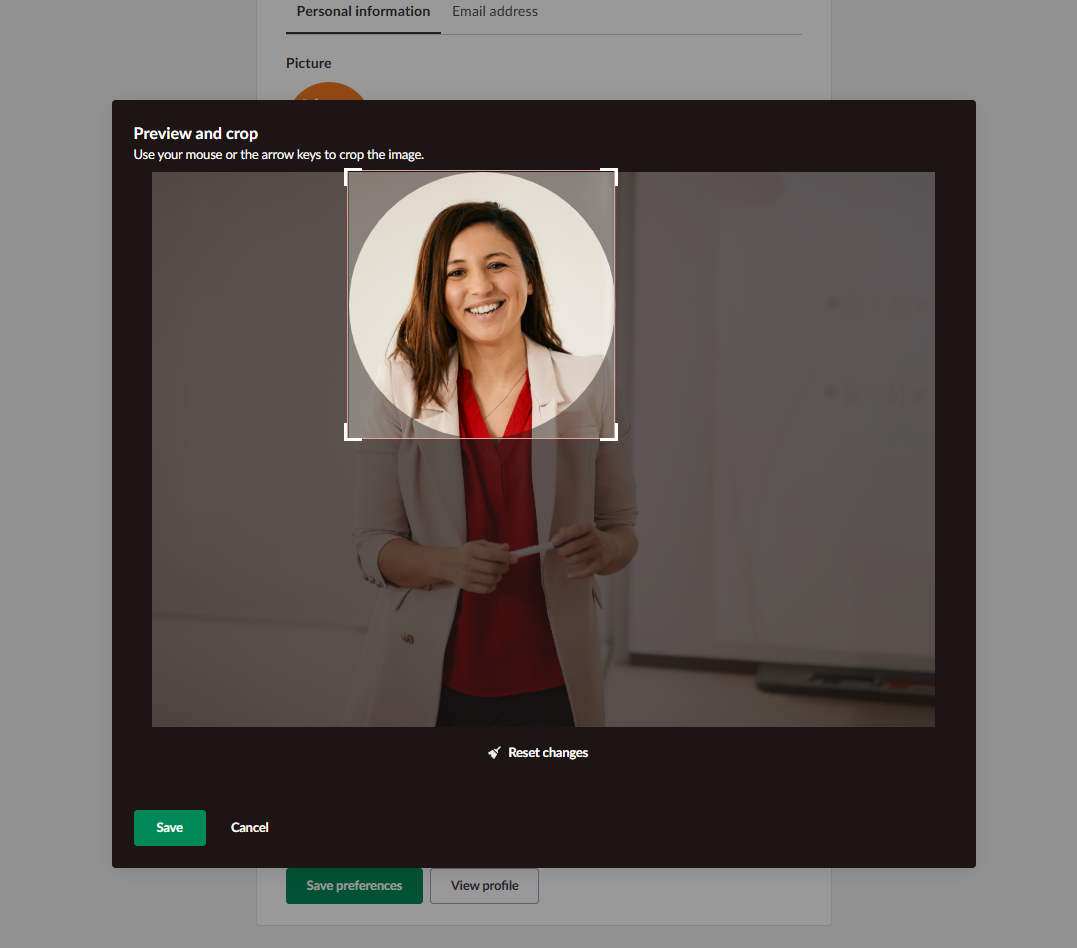
Profilbilleder: Lærere og elever kan uploade et billede, der repræsenterer dem selv, og de kan nemt beskære det for at justere det synlige område af deres profilbillede.
Avatarer er foruddefinerede illustrationer, som brugerne kan vælge som profilbillede i stedet for at uploade deres egne. Administratorer kan tildele avatarer til brugere, der ikke har uploadet profilbilleder. Fordelen for skolerne er, at de standardgrå silhuetter erstattes med mere engagerende og genkendeligt indhold.
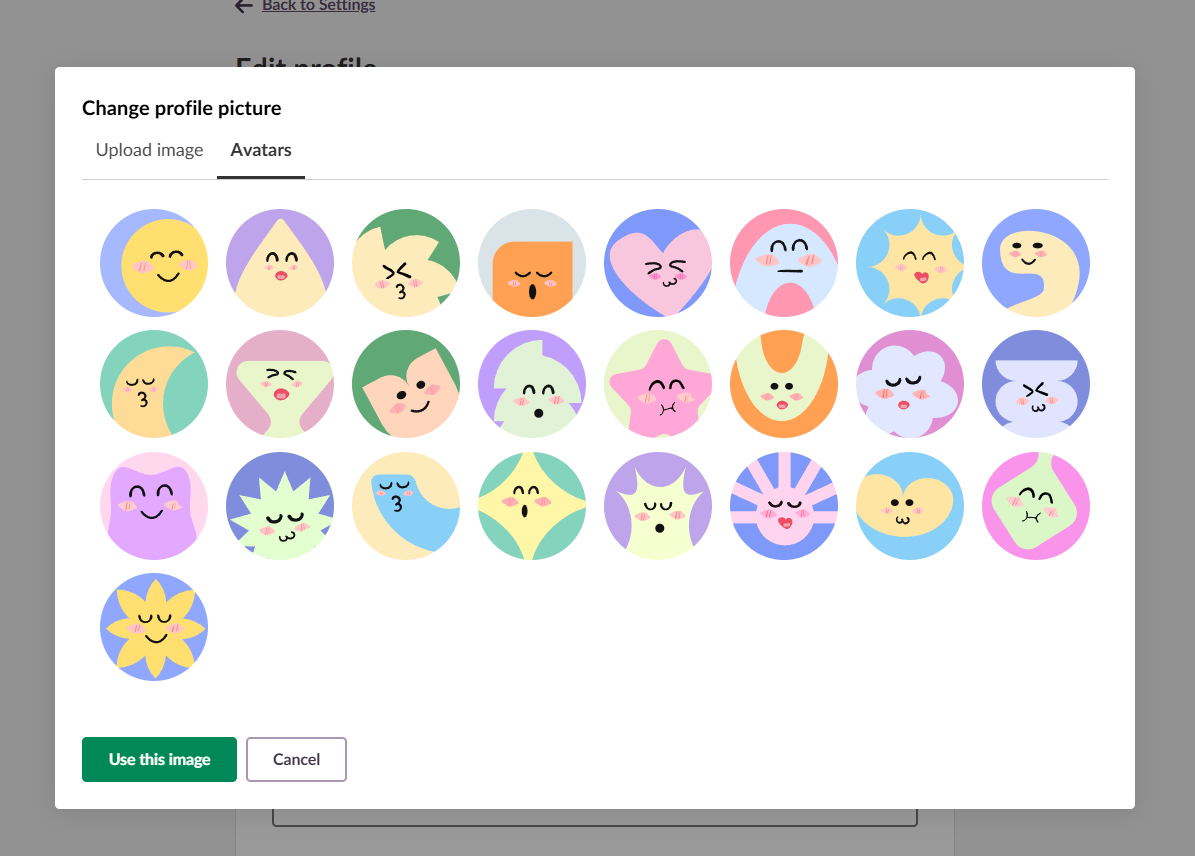
Systemadministratorer kan administrere avatarindstillinger på profilniveau og anvende regler på grupper som studerende, lærere eller personale.
De kan også aktivere automatisk tildeling af avatarer til nyoprettede brugere, så alle får en avatar uden manuelt arbejde. For eksisterende brugere kan systemadministratorer tildele tilfældige avatarer til alle, der ikke har uploadet deres eget billede, mens de, der har brugerdefinerede billeder, beholder dem.
Indførelsen af billedbeskæring til profilbilleder og avatarer for lærere og elever imødekommer flere vigtige behov i digitale læringsmiljøer:
Beskæring af uploadede profilbilleder og avatarer vil snart være tilgængelig i itslearning. Derefter kan lærere og elever begynde at personalisere deres Profile.
For at lære mere om administration af profilbilleder og avatarer, bedes du læse vores supportartikler:
Denne funktion er en del af det tyske udviklingsprojekt (GDP), et samarbejde mellem fire tyske delstater og itslearning at forbedre den digitale uddannelse i Tyskland gennem skræddersyede produktudviklinger.
Læs mere om GDP og hvilke andre funktioner du kan forvente at se.
For tyske læsere er der flere detaljer om det tyske udviklingsprojekt på vores websider.